Less time in toxic feeds
Harassment often happens on social apps late at night. Schedules limit when those apps are open — without you reading DMs.
What changes
Not a list of tools — real shifts in how your day feels when Pauseward is on.
App blocking
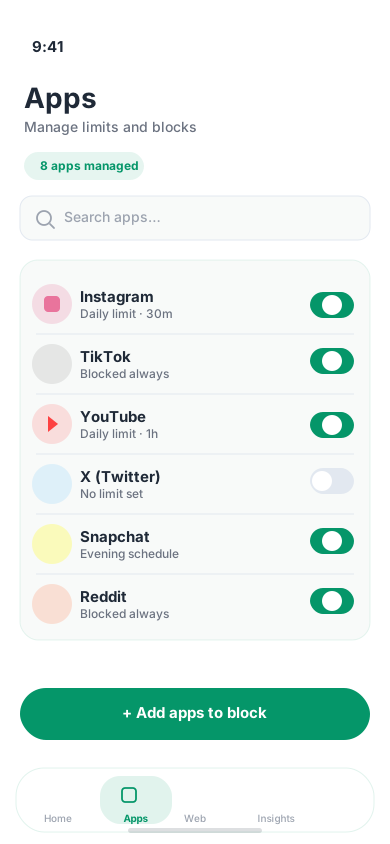
Social, games, and messaging stay off when you need them — without undoing your whole day for one exception.
Most people feel a difference in their first week.
Focus modes
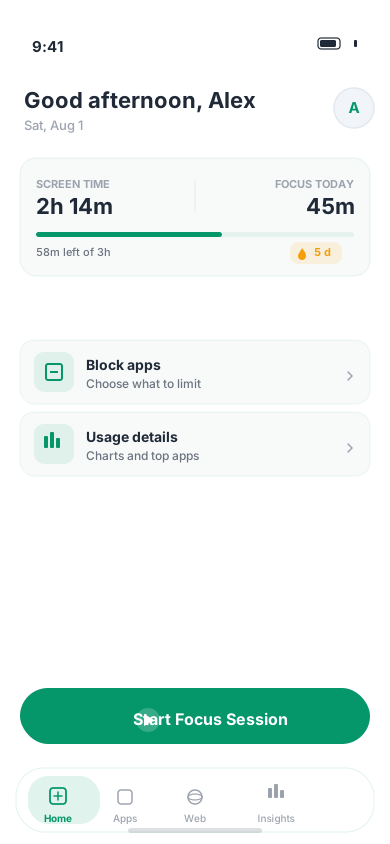
One tap for study, work, or bedtime — the right blocks kick in instantly, no digging through settings.
Work and study modes are the most-used on-demand tools.
Website blocking
Feeds and distracting sites stay closed network-wide — not just in one browser tab that's easy to bypass.
Website rules sync with your app blocks during focus sessions.
Insights
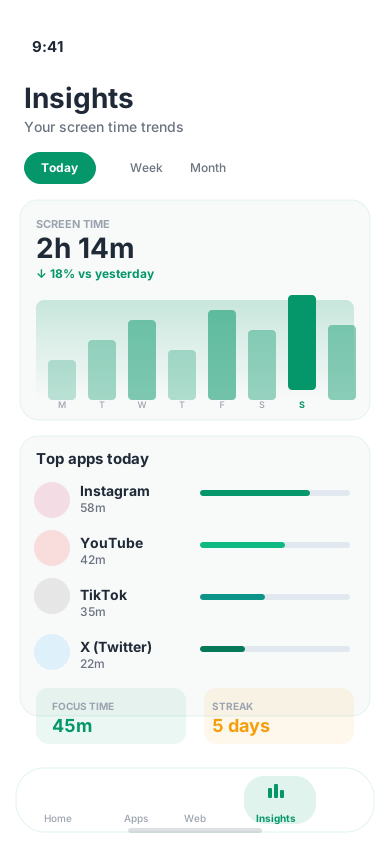
Daily patterns, streaks, and focus wins — change habits with data that motivates, not guilt.
50K+ hours of focus reclaimed across Pauseward users.
For parents
Set boundaries kids can't easily bypass — fewer late-night scrolls, safer browsing, and screen time that ends when it should. You stay in control without hovering over every notification.
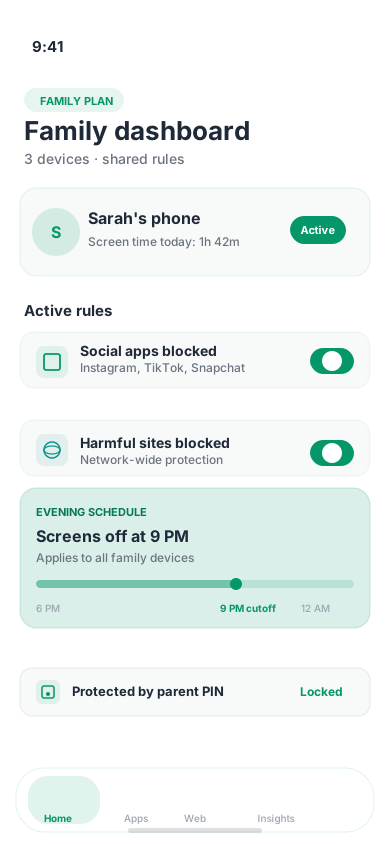
Family dashboard · schedules · shared policies
Install on their device
Phone, computer, or Android TV — under two minutes.
Set schedules & blocks
Pick apps, sites, and quiet hours from your dashboard.
Sync the whole family
Up to six devices on one Family plan — one set of rules.
Harassment often happens on social apps late at night. Schedules limit when those apps are open — without you reading DMs.
Adult content and risky websites blocked network-wide — harder for kids to bypass than a single browser tab.
Keep games and social off during study time. One-tap focus modes for the whole household.
Wind down screens before bed so scrolling doesn’t steal rest — rules that stick overnight.
Family dashboard
Shared policies and usage trends across every device — you set the rules once.
Rules that hold
Kids can’t uninstall or turn off protection on a shared phone in a moment of impulse.
Family plan
Cover every device in the house
Shared dashboard, parent PIN, and up to six devices.
“My teens can't sneak past website blocks anymore. Evening schedules finally stick — and I didn't have to read their messages.”
How it works
Install and sign in — you're almost protected before the next distraction hits.
Set study hours, work blocks, or bedtime — Pauseward keeps them even when willpower doesn't.
More done. Less 'where did the evening go?' — see habits improve week by week.
Platforms
Phone, laptop, or TV — the same boundaries follow you so you don't rebuild habits on each device.

Android
Full blocking, focus sessions, and analytics.

iOS
Screen Time–powered shields for iPhone and iPad.

macOS
Menu bar focus with native blocking and Dynamic Island timer.

Windows
Desktop blocking, focus UI, and cloud sync for your PC.

Android TV
Focus lock and scheduled blocks for your smart TV.
What changes after a week
Common questions
A few essentials — more on Contact.
Timer apps and willpower blockers are easy to override the moment you need your phone for something real. Pauseward blocks apps and sites at the source — with schedules, focus modes, and sync so your boundaries hold through the day.
Android, iOS, Windows, macOS, and Android TV are available. Pick your platform on the download section above, or see every option on the full download page.
Download on Android, iOS, Windows, macOS, or Android TV for core blocking and focus modes. Pro and Family add advanced schedules, deeper analytics, and shared dashboards — see simple pricing below. Pay with M-Pesa or card on web when you choose to upgrade.
Yes. Parent PIN helps prevent uninstall on shared devices, and Family plans cover up to six devices with a shared dashboard and policies. Pauseward limits apps and sites — it does not read messages — so you can set boundaries without hovering over every notification.
Billing, passwords, or refunds? See support FAQ on Contact.
Simple pricing
Start free on any device. Upgrade when you want evenings back, deeper focus, or a calmer household.
Core blocking is available on every platform. Compare all plans including Starter